

PRINT SETTINGS
Print one test sheet
For tiled printing, use Actual size or 100% when printing your PDF. Fit to page changes the scale. Check a single sheet for size and color before printing the whole poster.
Make a wall-size block poster from your photo. Split the image across A4, Letter or bond paper and download a printable PDF. No account needed.
See how the Block Poster Maker turns a photo or classroom display into a wall-size poster using sheets from a home printer.
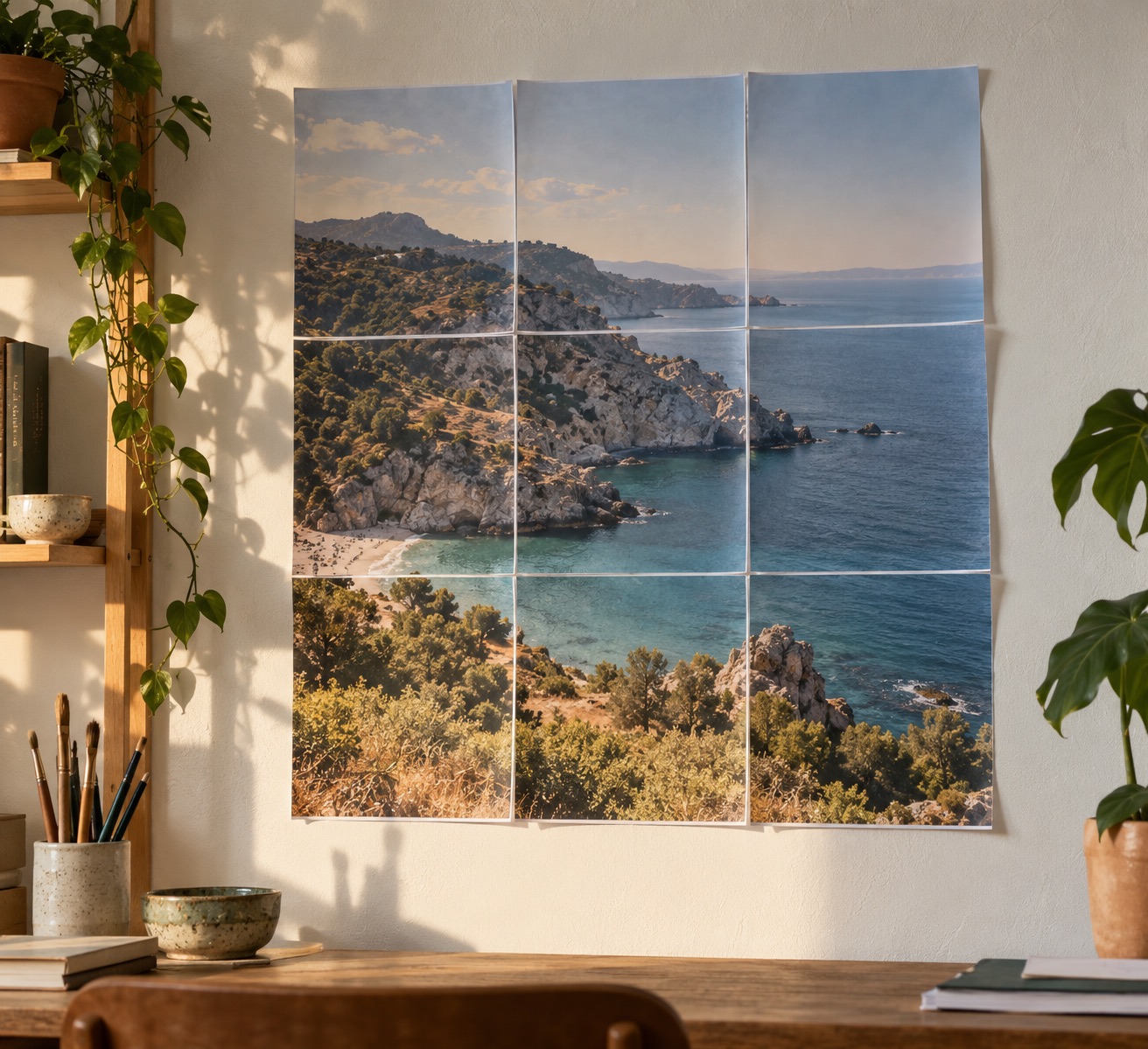
A 3 × 3 grid turns a favorite landscape into large wall art.
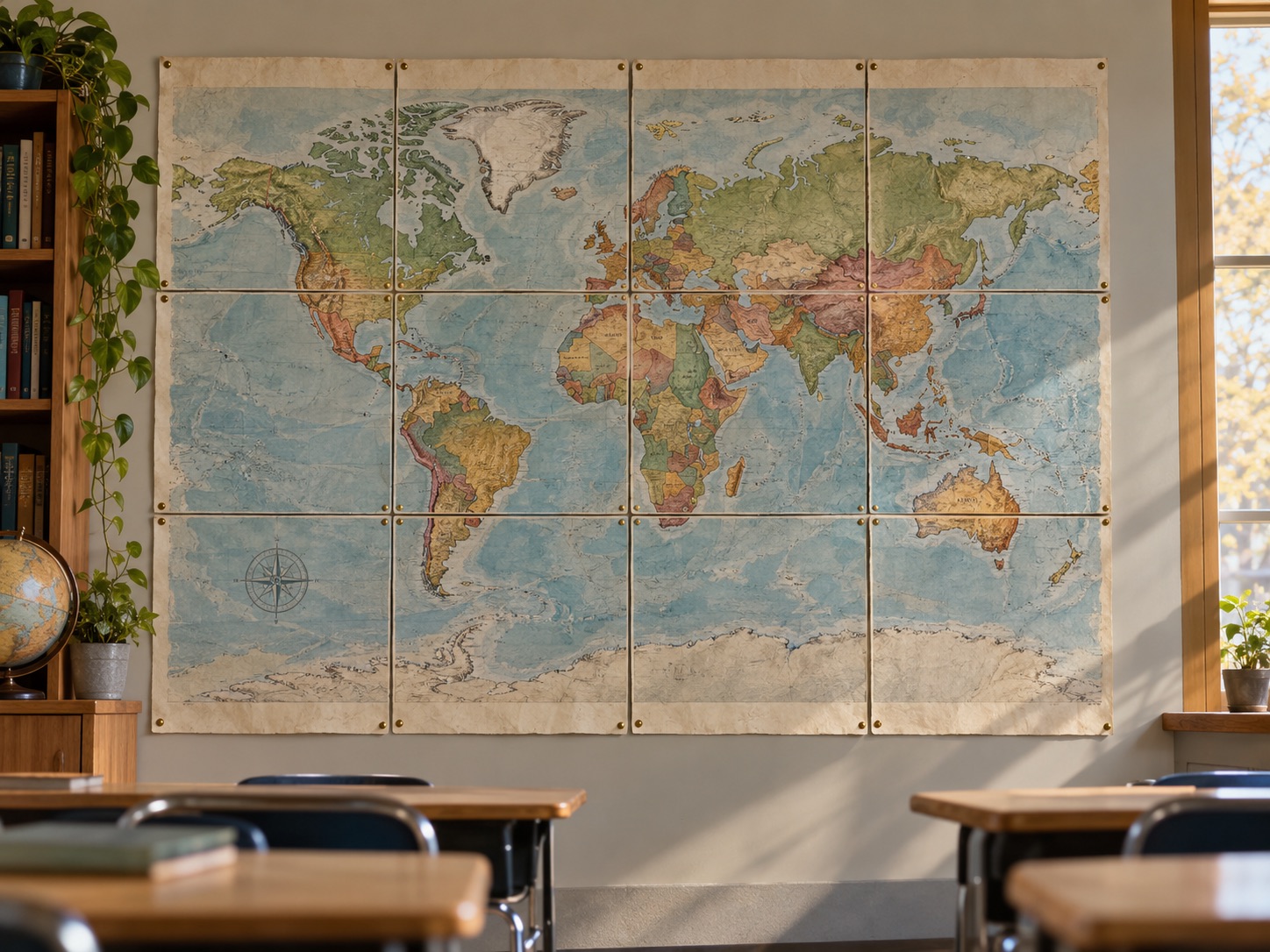
Print a map across 12 sheets, then trim and assemble it for teaching.
Photorealistic mockups · Inspiration for your own prints
One favorite image. A stack of everyday paper. You’re ready to make something bigger.
Use the block poster maker with a JPG, PNG or WebP photo, or start with a sample. Your image is processed in your browser.
Set the page grid and paper size. Preview the whole image and each print sheet before exporting.
Download the PDF, print at Actual size / 100%, then trim, align and tape the sheets into a block poster.
Start with the paper in your printer. See how the everyday sizes measure up.
The Block Poster Maker supports A4, Letter and bond paper. Match the paper size in the tool, printer tray and print dialog. A 1 × 1 grid makes a single-sheet A4 poster or Letter paper poster when you select the matching paper. Bond paper describes a type of paper, not a single size: short bond commonly means Letter, while long bond is 8.5 × 13 inches. Long bond is not US Legal (8.5 × 14 inches).
Tiled printing divides a large image into smaller sections that each fit on a sheet of paper. Tiled poster printing lets you assemble those sheets into one large picture with a home printer. To print a large image on multiple pages, choose a grid above. The Block Poster Maker exports the tiled layout as a printable PDF. Fit preserves the whole image; Fill covers the poster and may crop the edges. Optional overlapping strips make neighboring sheets easier to align.
Try tiled printing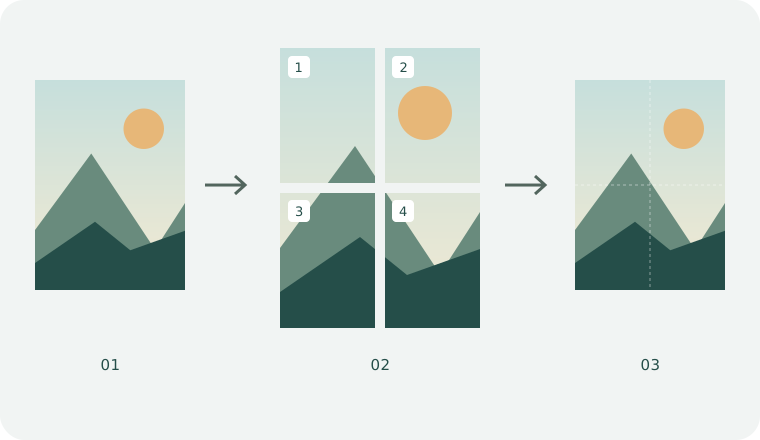
For tiled printing, use Actual size or 100% when printing your PDF. Fit to page changes the scale. Check a single sheet for size and color before printing the whole poster.
The default overlap is 5 mm. Increase it to 10–15 mm for a wider alignment strip. Trim the outer margins at the crop marks, then match the repeated artwork on adjacent sheets.
Use a high-resolution original for photo walls, readable labels for classroom maps, and large type for event signs. Check the effective DPI before enlarging fine details.
A few helpful answers before your first print. Paper, picture quality, and everything in between.
This block poster maker and its PDF download are free, with no signup or watermark. Image processing and PDF generation happen in your browser; the tool does not upload your image to a server.
In the Block Poster Maker, upload a JPG, PNG or WebP image, choose a page grid and paper size, then download the PDF. Print every page at Actual size / 100% with the same paper size, trim the margins and join the sheets using the overlap.
Start with the default 5 mm margins, or adjust them to your printer’s minimum printable area. Print the downloaded PDF at 100% / Actual size on the selected paper. Crop marks need at least 3 mm margins; page numbers need at least 4 mm. These annotations are omitted when the margins are too small.
Pages = columns × rows. Printable tile width is paper width minus two margins. Poster width = columns × tile width − (columns − 1) × overlap; height uses the same formula with rows. With A4, 5 mm margins and 5 mm overlap, a 2 × 2 grid makes a 395 × 569 mm poster.
Trim off the outer paper margins using the crop marks. Arrange the pages by their row and column labels, then overlap adjacent image strips by the selected overlap amount (5 mm by default). Match the artwork before taping the back. Set overlap to 0 if you prefer to butt the trimmed edges together.
Yes. The Block Poster Maker lets you upload an image or use the example, adjust the layout, and select Download PDF. You get a multi-page PDF with the exact paper dimensions, optional crop marks and page numbers. No account or print dialog is required to download it. Open it in a PDF viewer to print at Actual size.
150 DPI suits many posters viewed at a distance; 300 DPI renders more output detail and produces larger files. The displayed effective DPI also considers your source image and enlargement. If it shows low resolution, use a larger original, reduce the number of sheets or decrease the image scale. Higher export DPI cannot recover missing image detail.
One image. Your home printer. A wall that feels like you.